
Download the Philips Home Access app Scan the QR Code to download the Philips Home Access app and create an account. (Ensure the correct country/region is selected.)

Enable Bluetooth and Location Services on your mobile phone.
Open the app and tap “Add Device.”

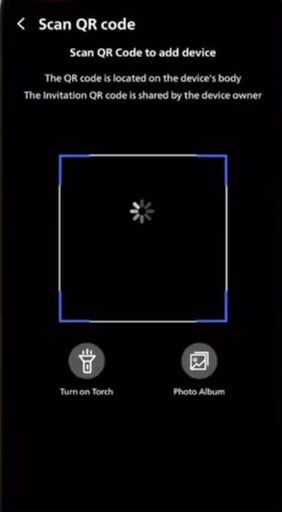
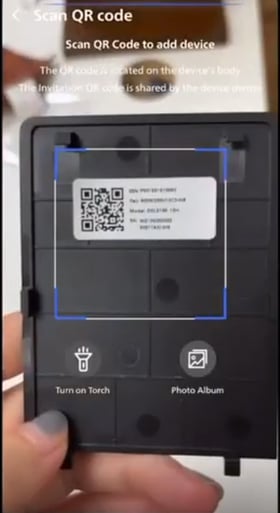
Scan the QR code or manually enter the ESN located on the back of the battery cover.
Confirm the lock model and tap on Next

Enter the Master PIN, then tap Next.

Name your door lock and tap Complete to finish setup.

Generate a One-Time PIN (OTP) via App
Open the Philips Home Access app and tap the device name.
Tap on "Generate", and you will be prompted to ensure that the master code is correct, tap on Confirm.

The app will generate a one-time PIN.

Share the OTP with the intended user.
Note:
The OTP is valid for single use only and will expire after it is used.