
App unlocking via Bluetooth

Add PIN code on the App
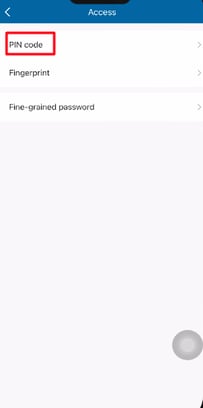
Open the Easy Key Plus App, enter the homepage of the door lock, tap on "Access"

Choose PIN code and tap on "Add a PIN code"
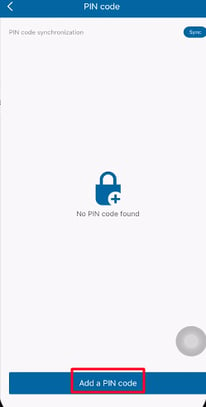
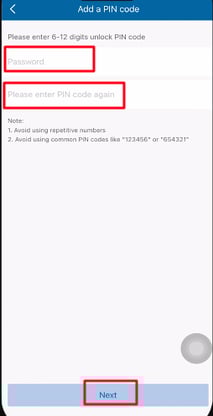
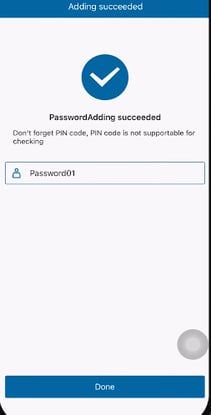
Enter the PIN code twice then, tap on "Next" to finish adding.
Add the periodic PIN code
Open the Easy Key Plus App, enter the homepage of the door lock, tap on "Access"

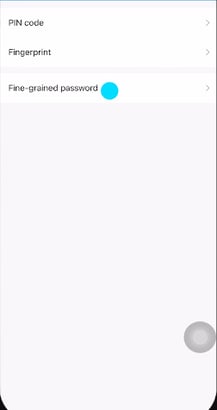
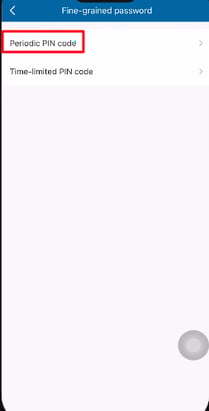
Choose "Fine-grained password", then tap on "Periodic PIN code"
Tap on "Add"

Enter the new periodic PIN code, choose the start & end time and validity period then tap on next
