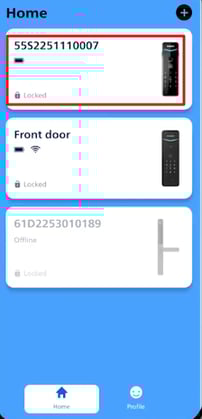
Download the Home Access app from Google Play or App Store
Turn on Bluetooth (BT) on your mobile phone.
Open the Philips Home Access app.
On the home screen, tap Add Device.

Scan the QR code located on the battery cover of the lock.

Tap on I've installed the device

You will be directed to the Bluetooth pairing page, enter lock’s Master PIN code, then tap Next.
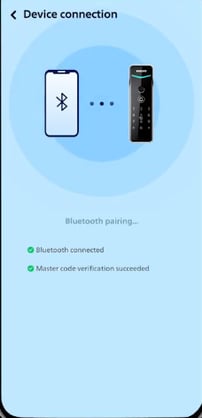
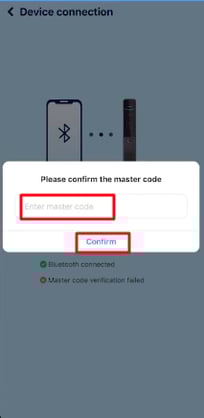
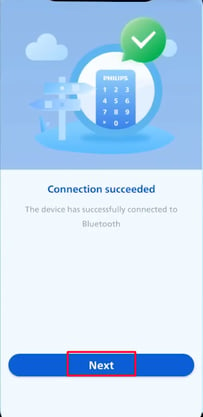
Upon connection completion, you will be routed to the user setup screen and prompted to create a 6–12 digit PIN code. Enteryour desired PIN and tap on "Create."

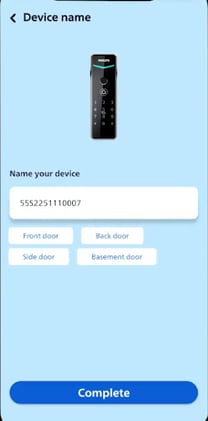
Assign a name to your device/lock.